Afterimage
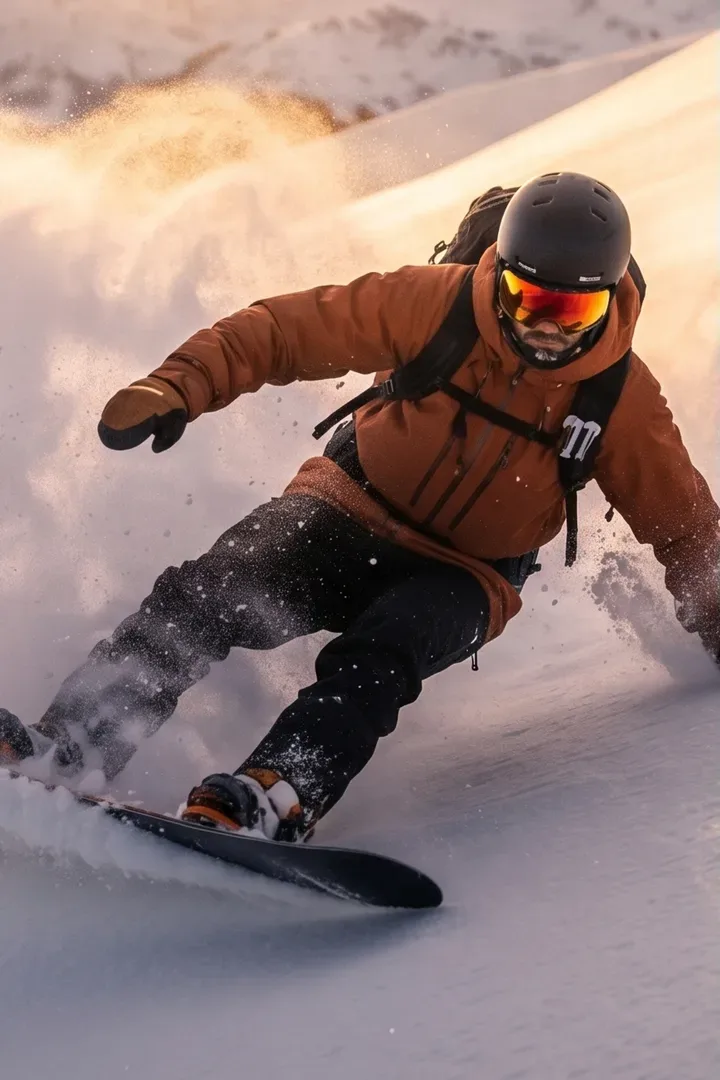
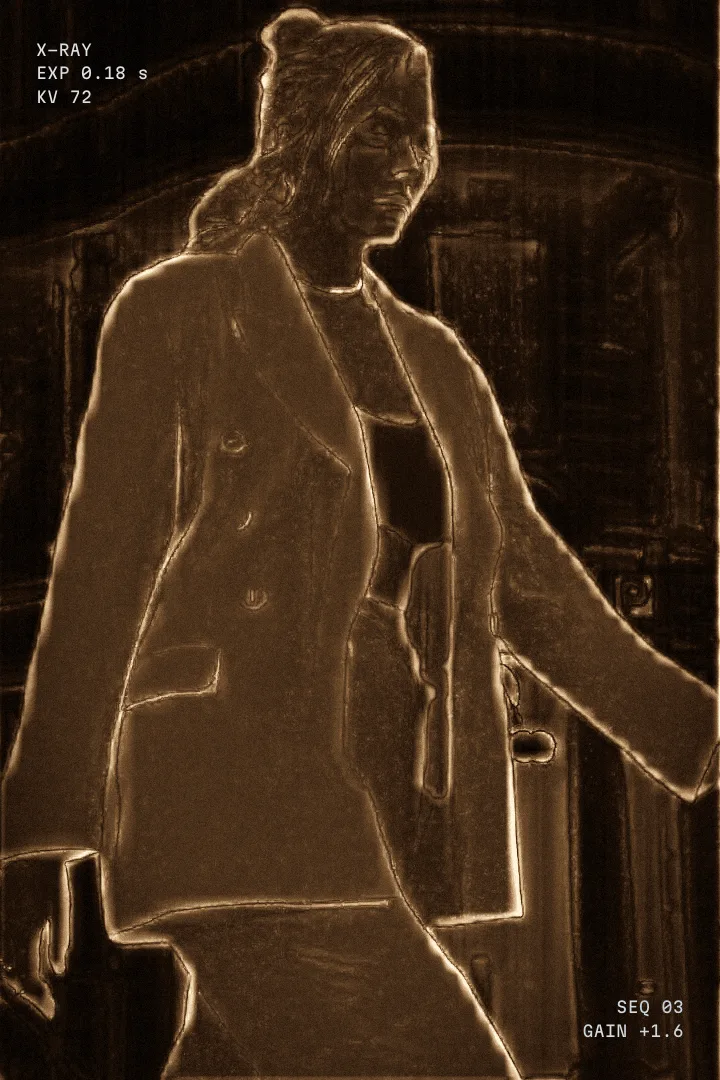
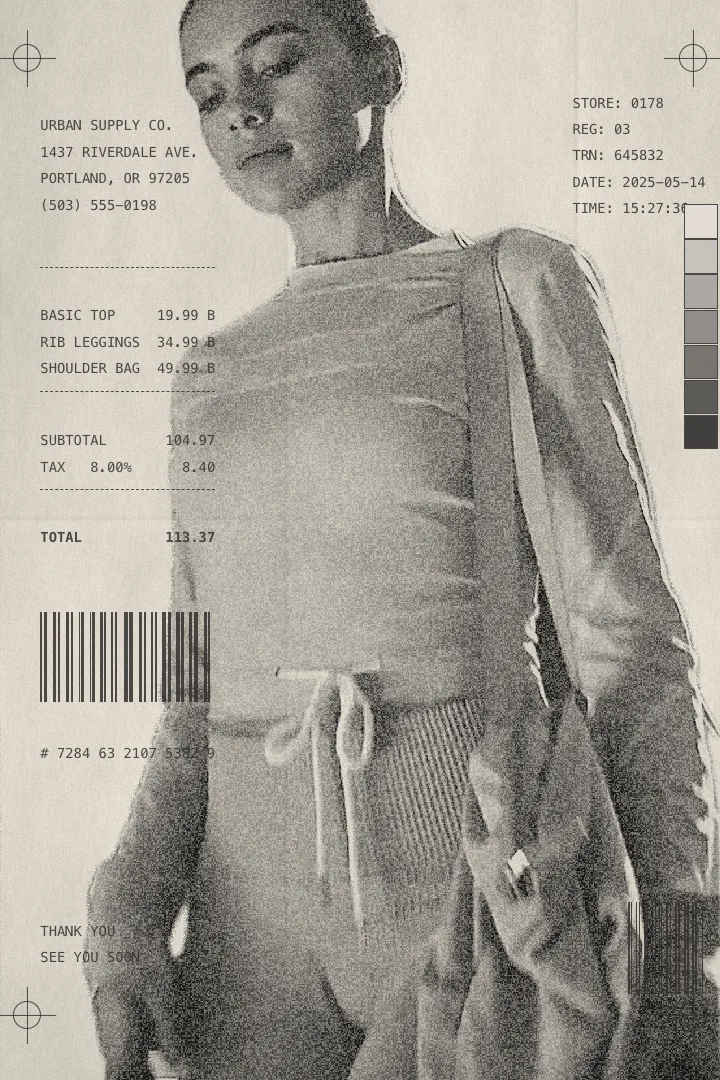
Flash-frame looks for DaVinci Resolve. Drop it on an adjustment clip and every image cuts in as a LiDAR scan, an X-Ray, a thermal print, for two frames or three seconds.
 DaVinci Resolve Studio 21 macOS · Windows (new, in testing)
It lives on an adjustment clip
No Fusion page, no masks to draw. The effect reads whatever sits under it and cuts your images in at the head of the clip.
- 01:00:00:00
Drop Afterimage on an adjustment clip over your cut.
- 01:00:00:19
Add Up to twelve images, from the media pool or a folder.
- 01:00:01:13
Pick A look and a duration for each, 0.1 to 3 seconds.
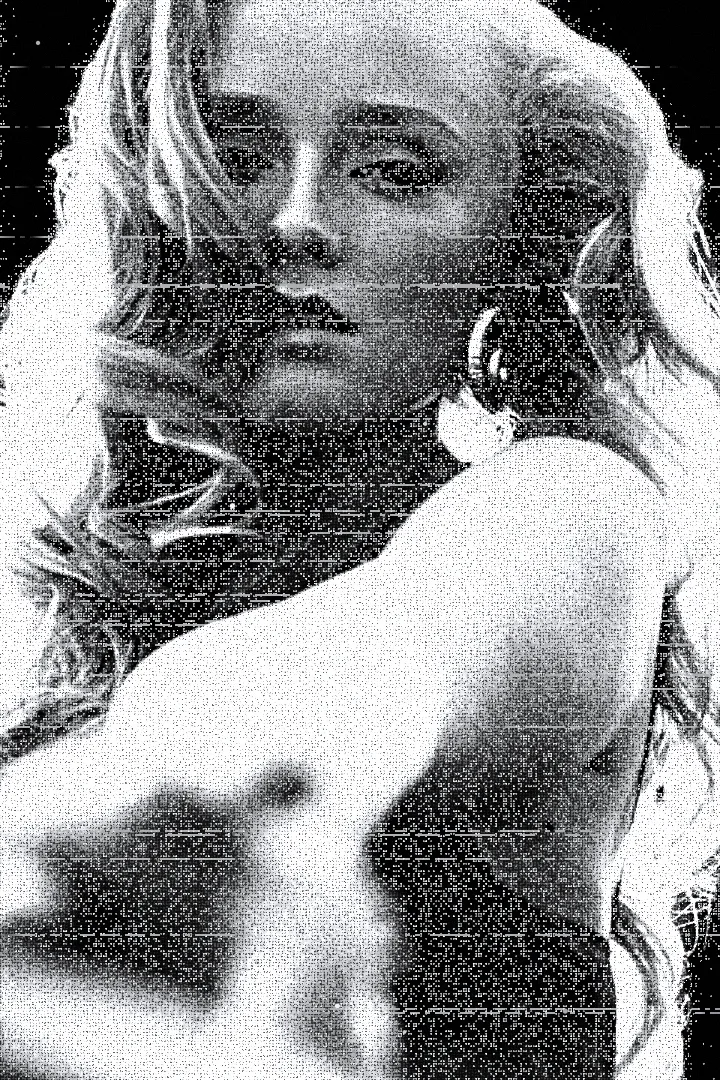
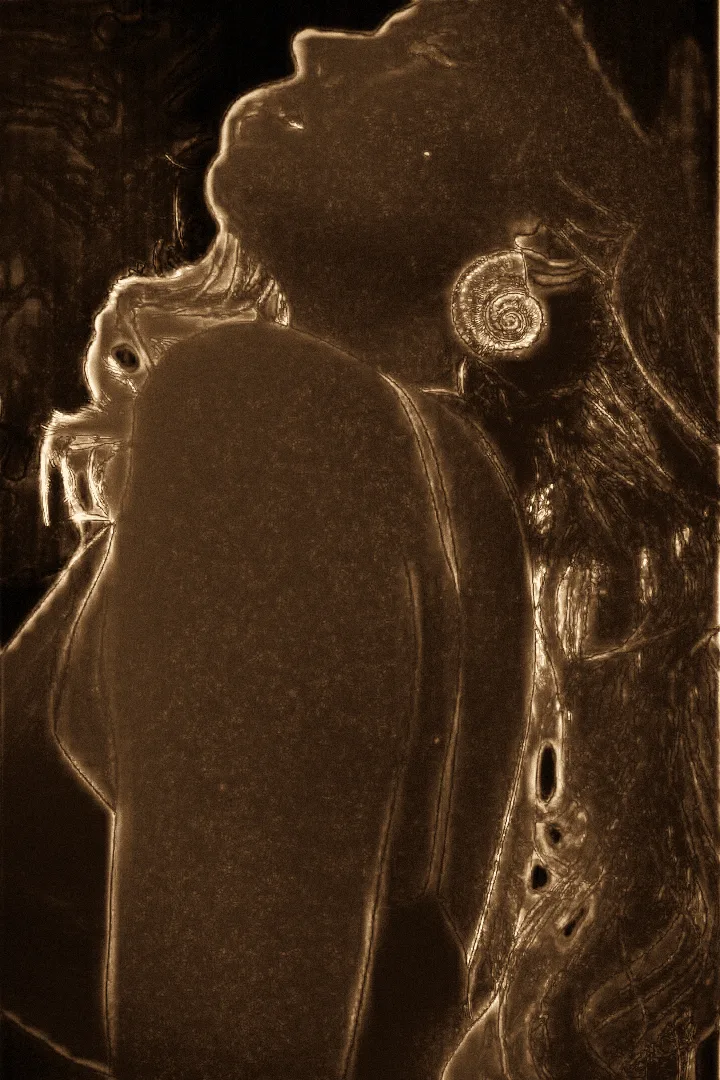
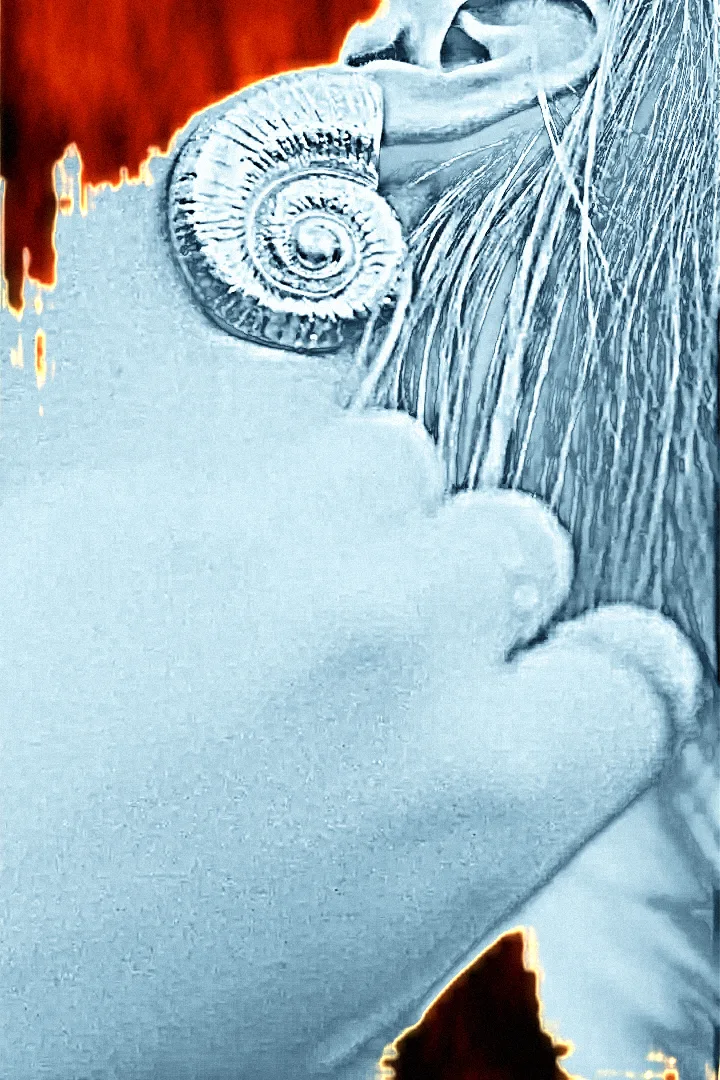
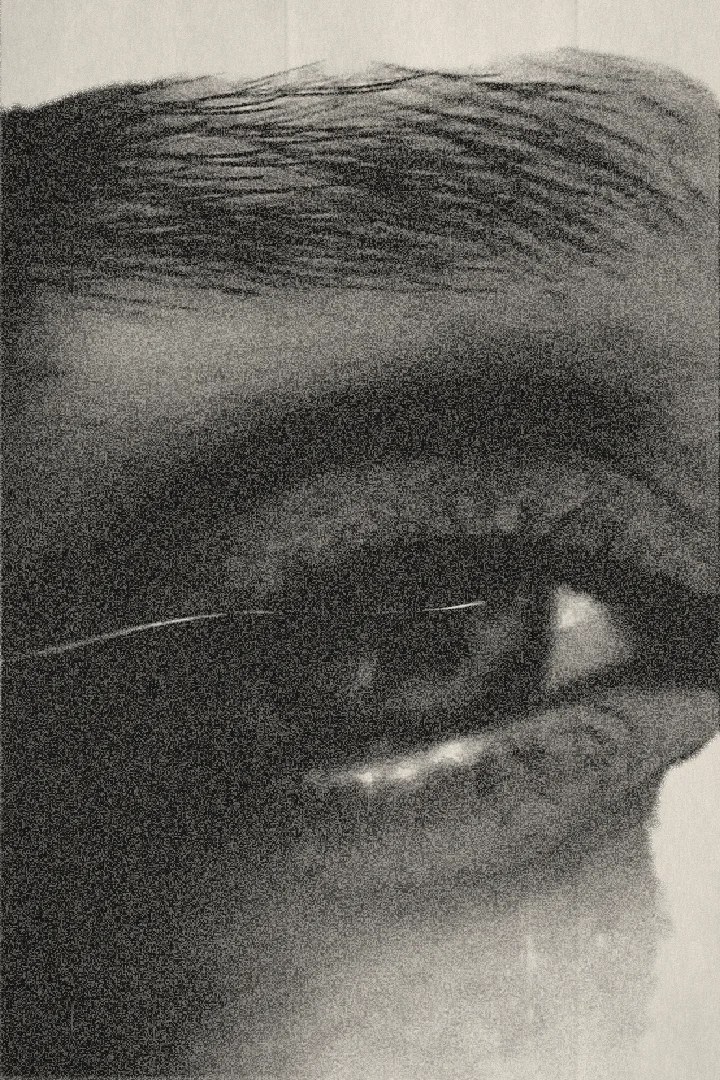



 katya_shot_01.mov


 katya_shot_02.mov
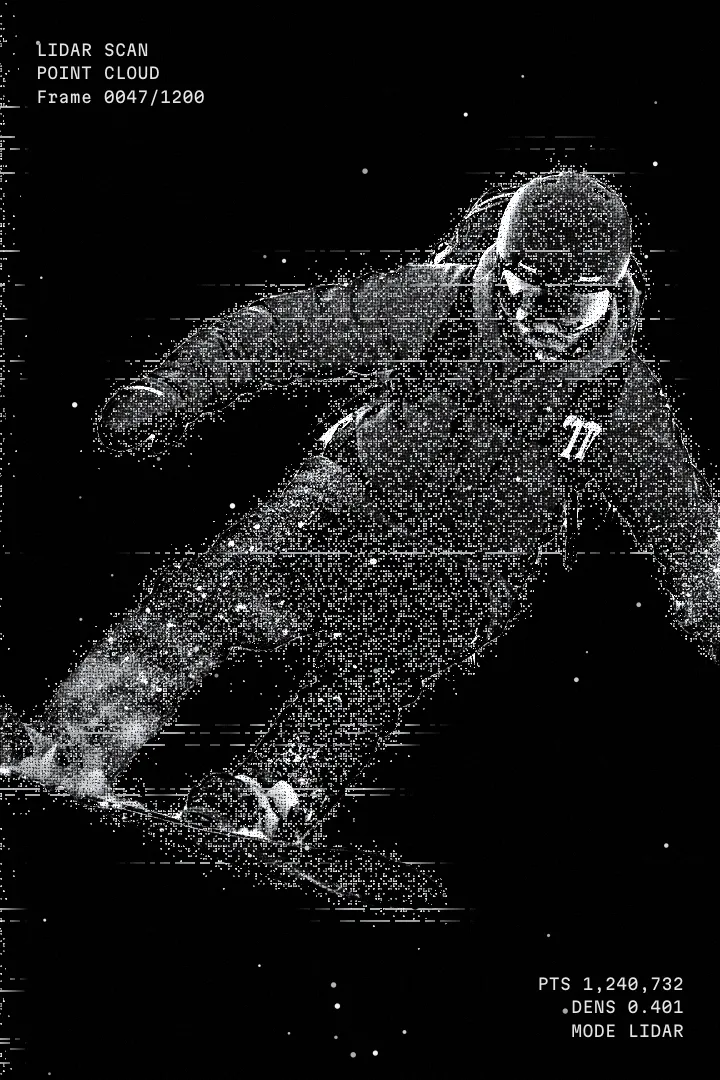
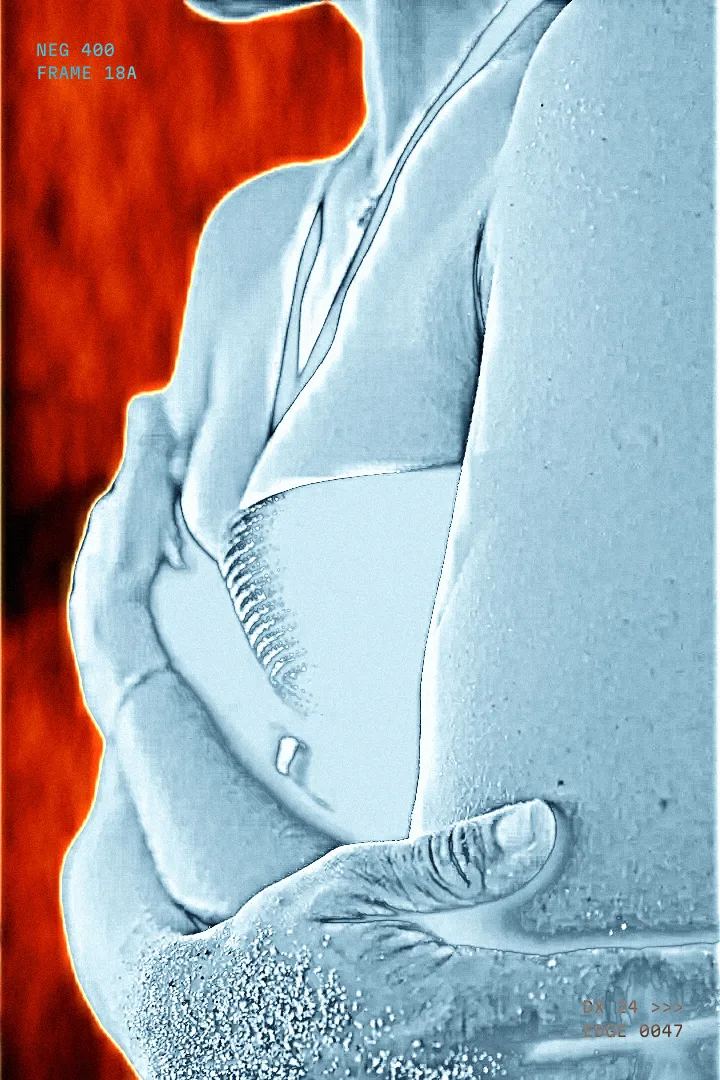
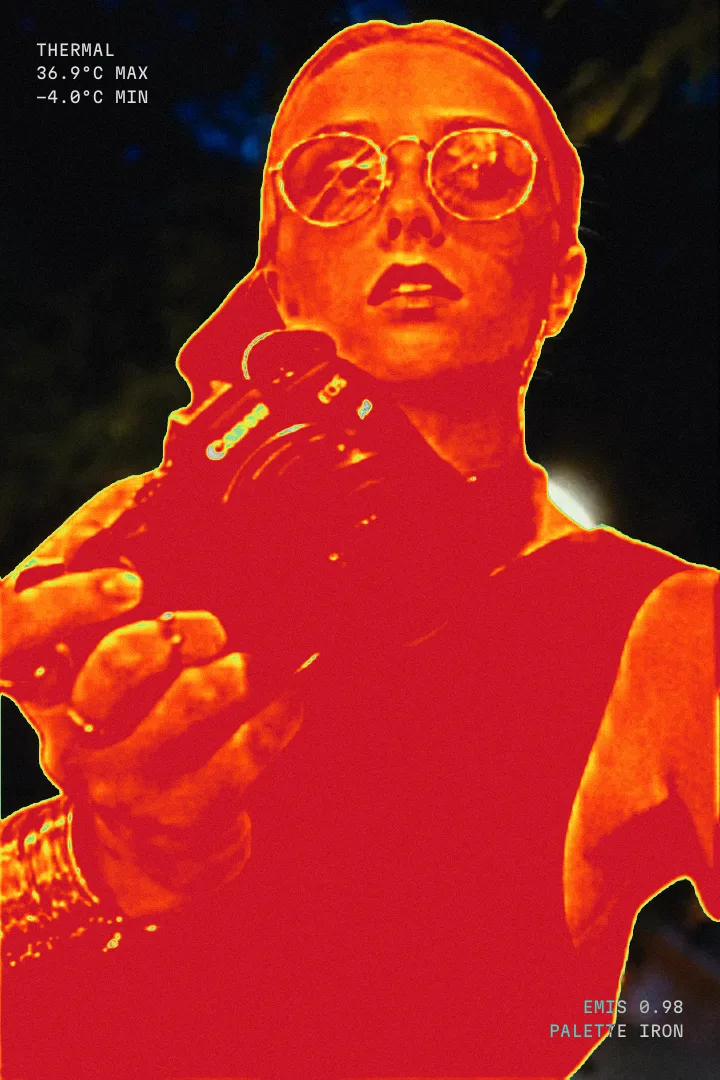
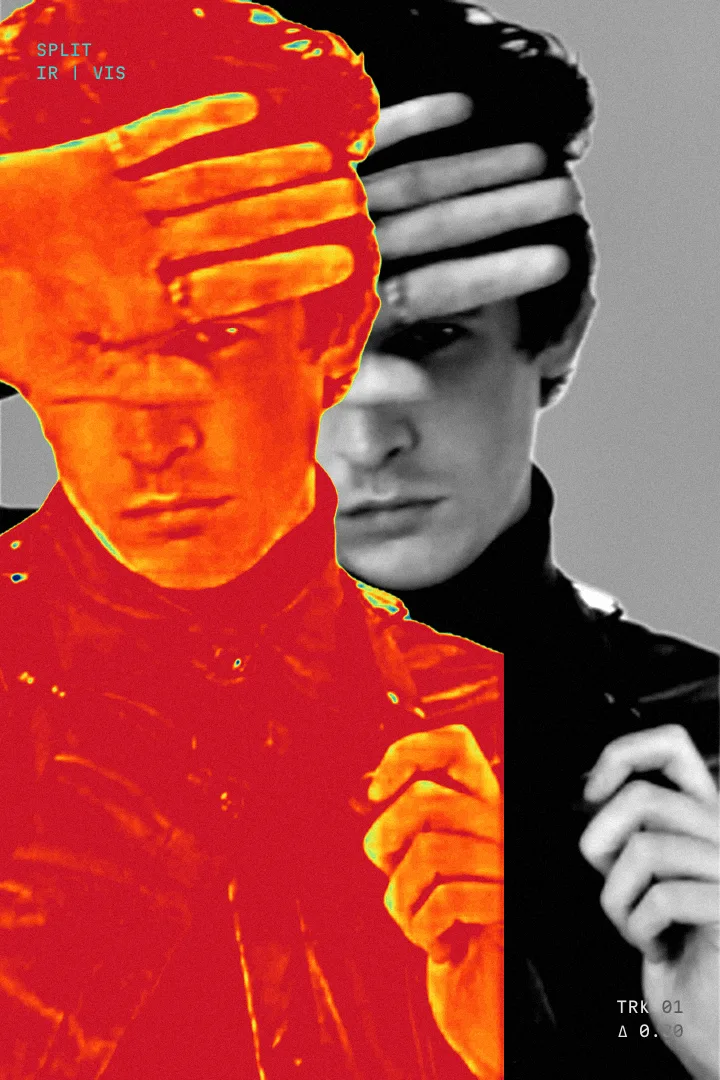
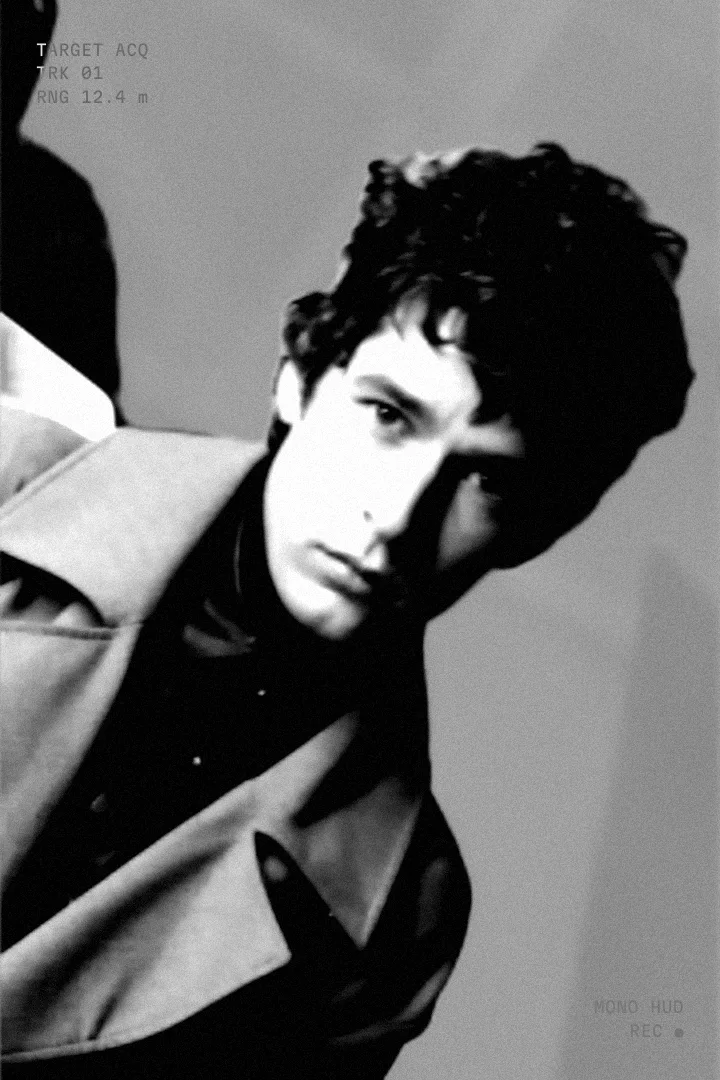
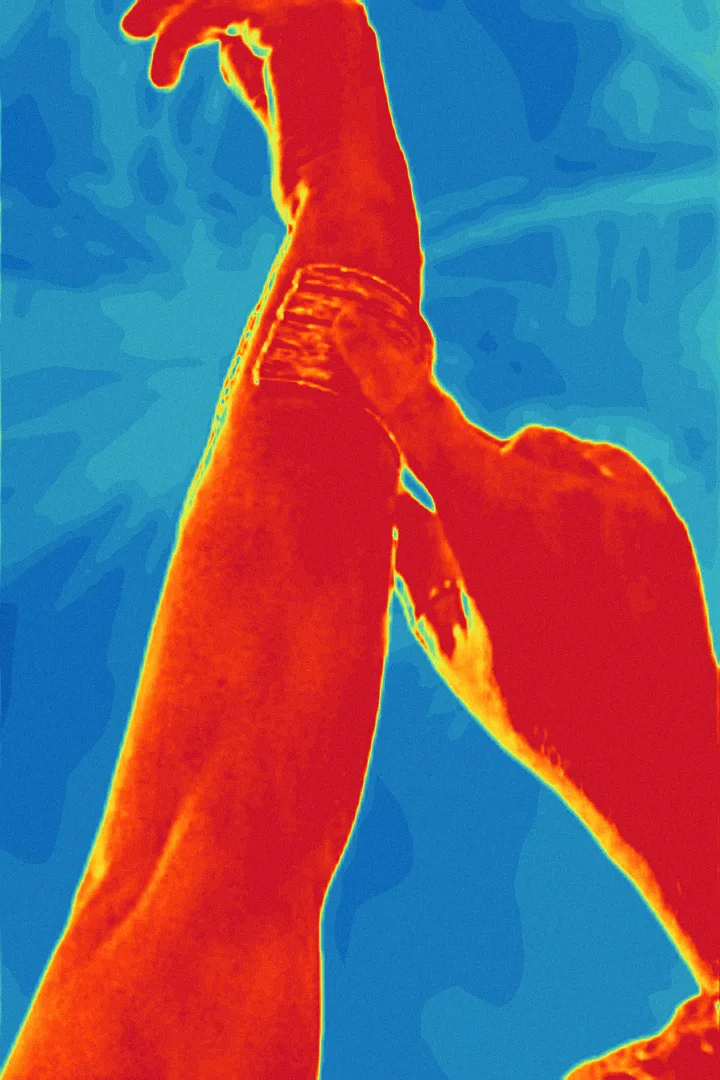
 Seven looks. Any subject.
Each look finds the person or object in the image and treats subject and background differently, so the person still reads in a two-frame flash.
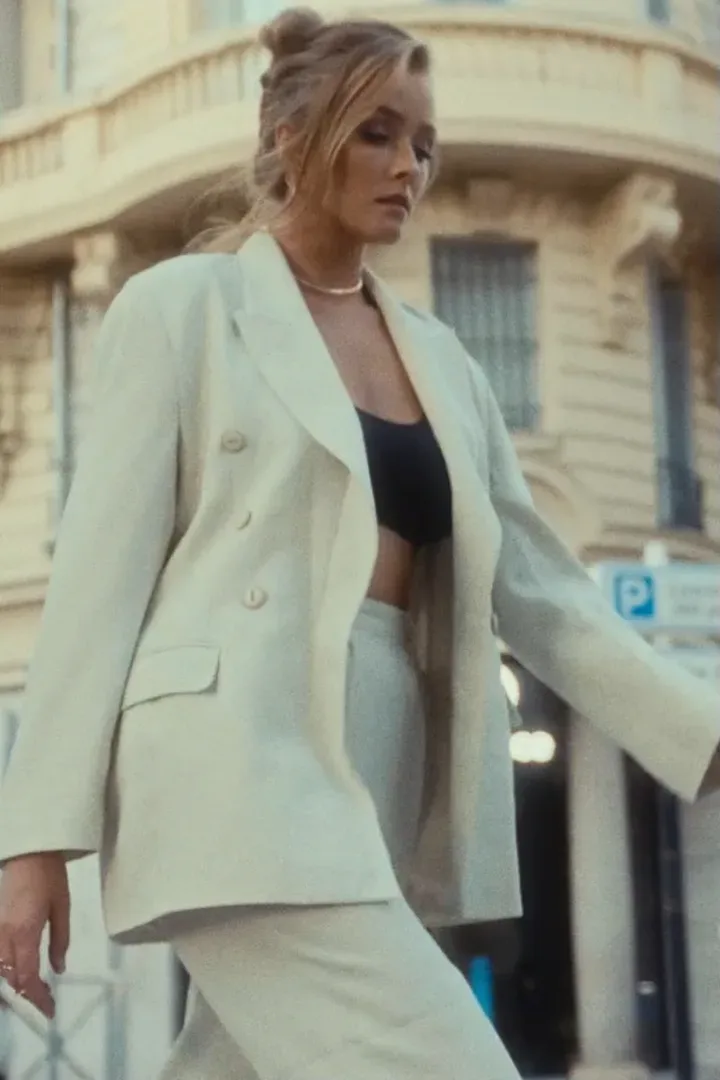
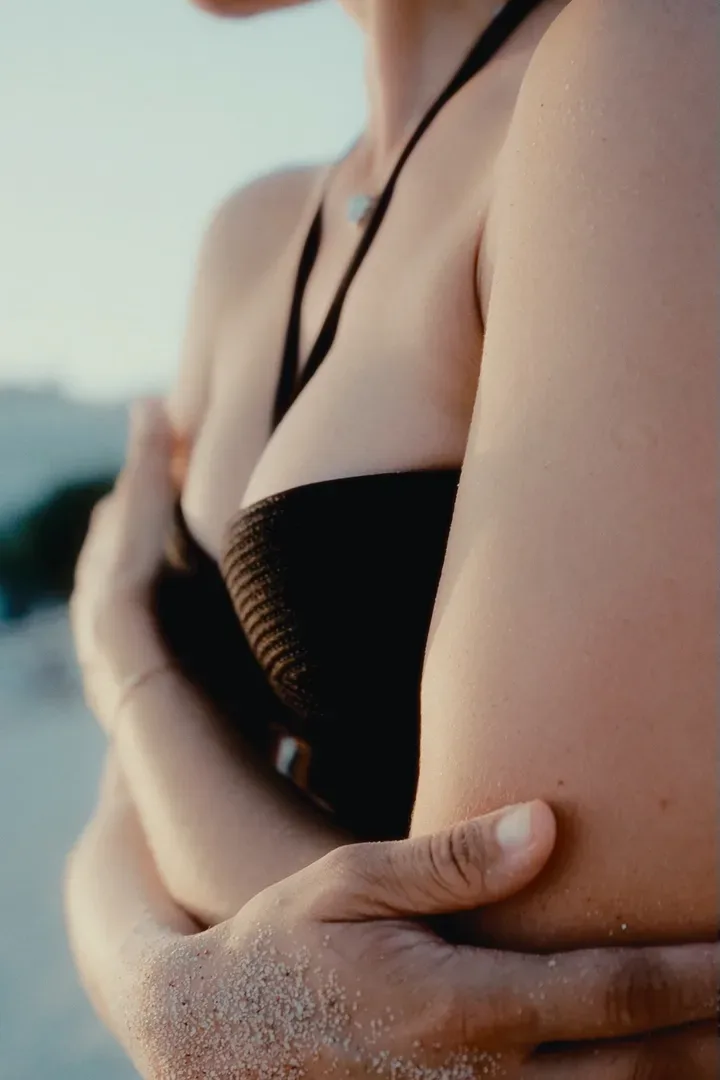
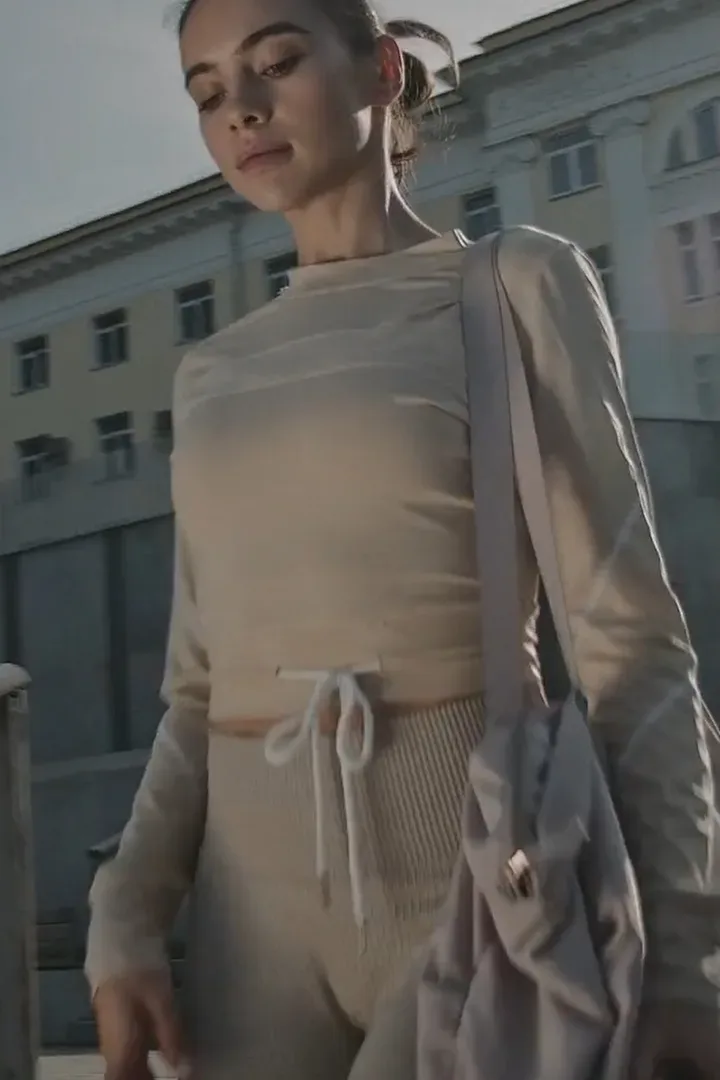
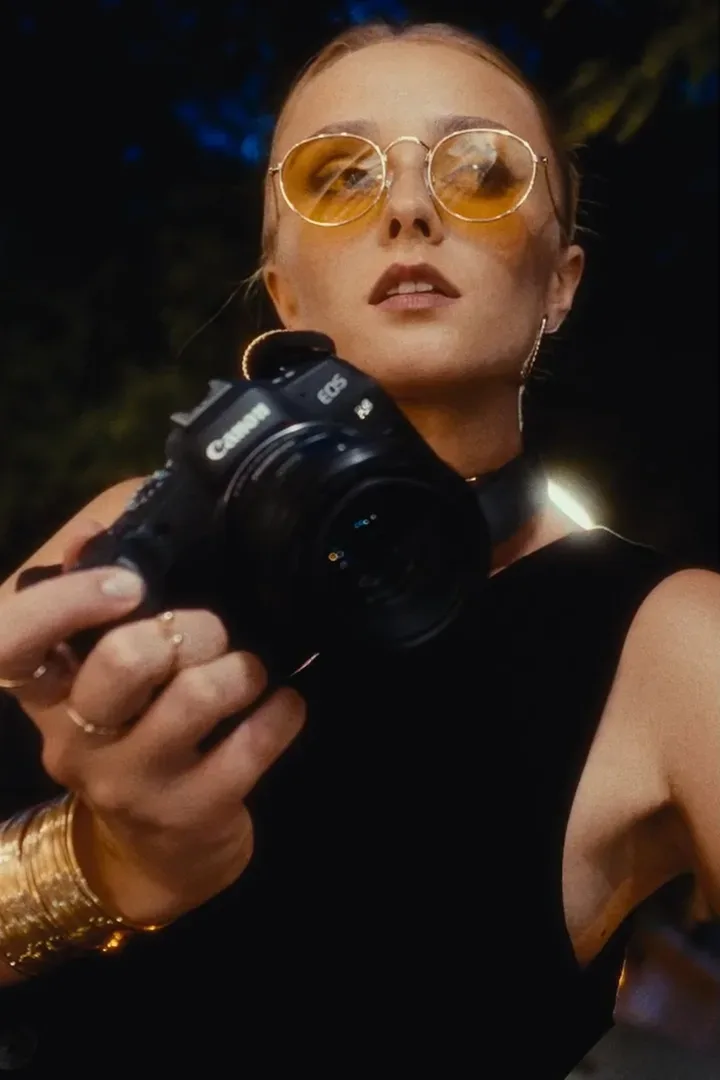
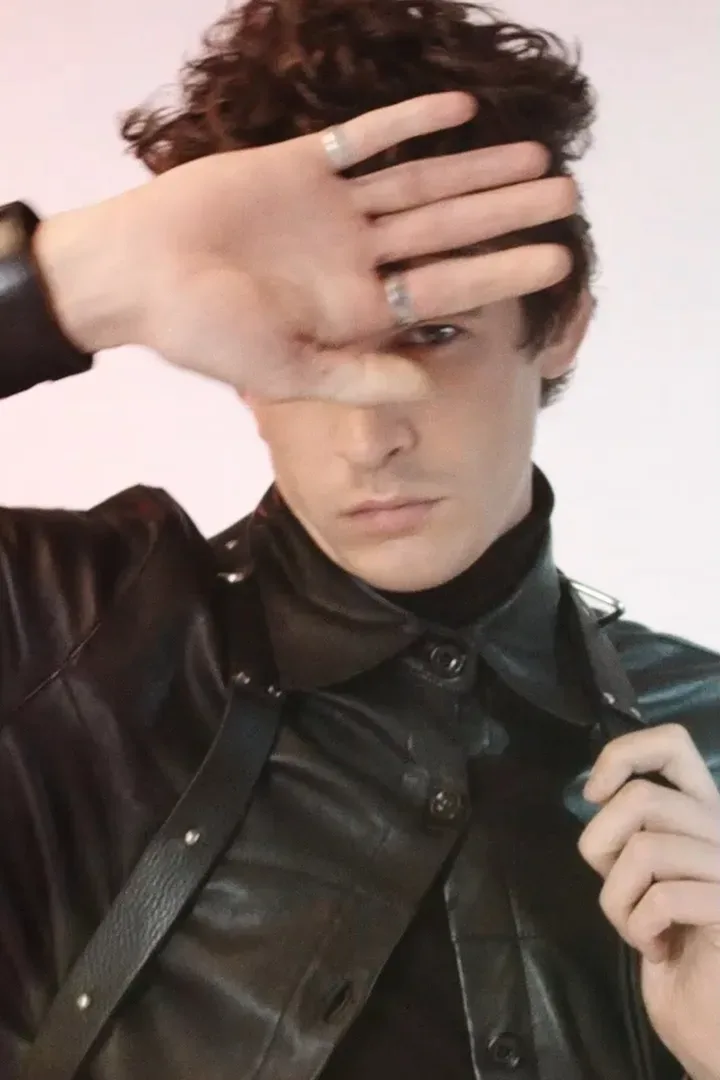
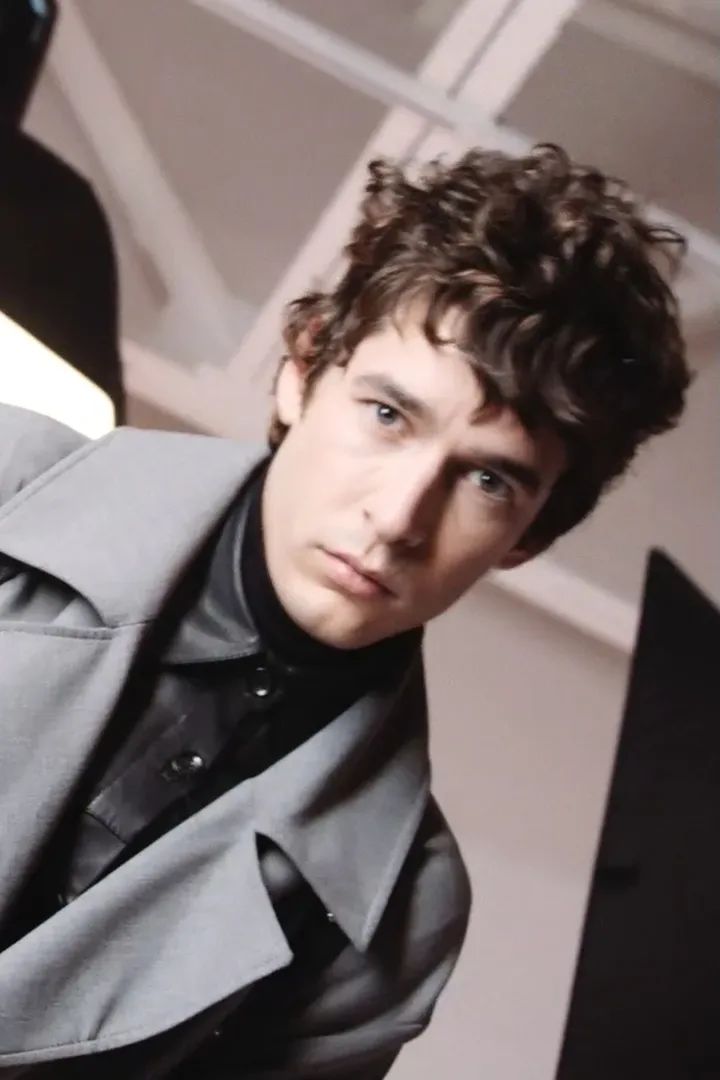
Point cloud of the subject, debris and streaks around it.
Thermal looks have Hot Only: the cold background drops out and only the subject stays.
Everything in the inspector
Per image, per clip. Every control the plugin ships with.
Afterimage · per image
- File
- Browse, or any still from the media pool
- Duration
- 0.1 – 3.0 s per image · default 0.2 s
- Preset
- Original + 7 looks
- Hot Only
- Thermal looks: drop the cold background
- Scale
- Free · HUD keeps its size
- Framing
- Fill or Fit
- Position
- Free on both axes, crosshair on the viewer
- Blend
- 12 modes, None to Luminosity
- HUD
- Per image, drawn for each look
- Text
- Font, style, size, colour, position, blend
- Effects
- Two slots of 13, each with Amount
- Mask
- Mask Position + Mask Scale on the viewer
- Order
- Move Up · Move Down · Remove
Per clip
- Images
- Up to 12, in an accordion
- Start Offset
- Push the first flash off the cut
- Frame Rate
- Auto from the timeline, or fixed
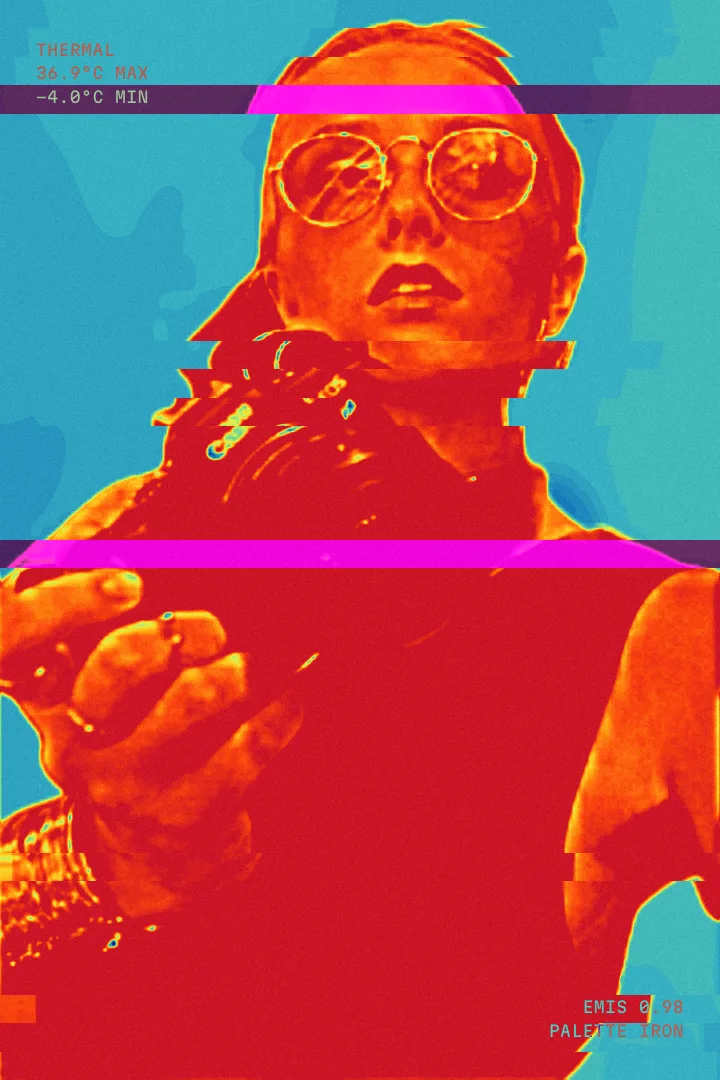
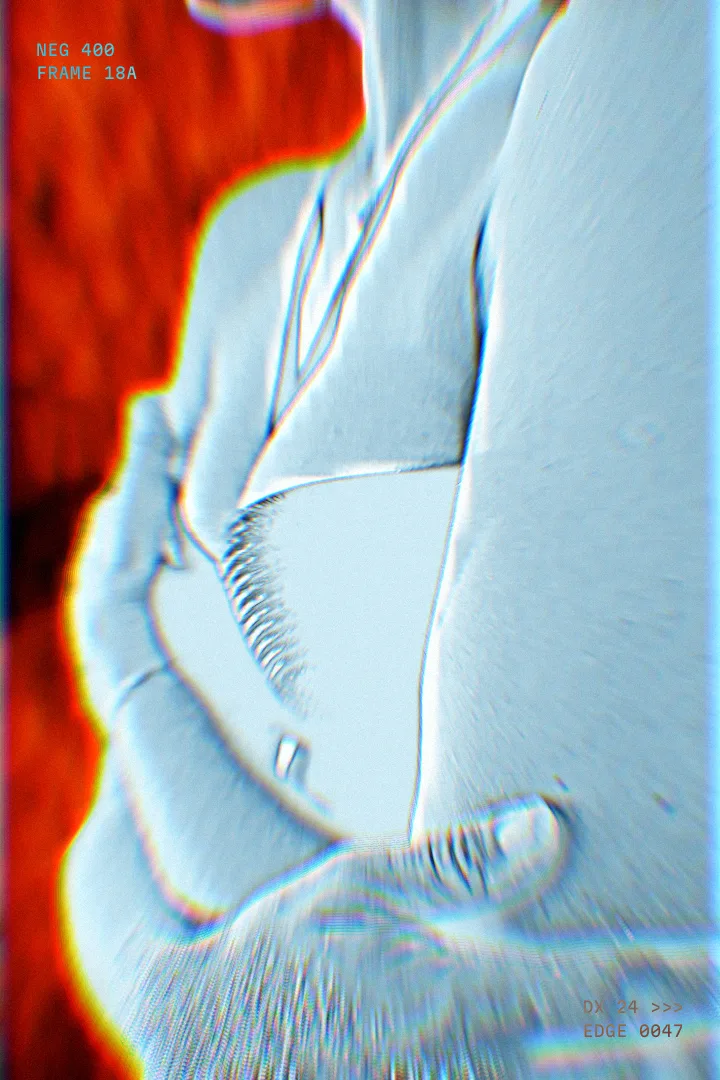
13 effects
- Prism
- RGB Split
- Blur Mask
- Zoom Blur
- Glitch
- Shake
- Strobe
- Halftone
- Pixelate
- Mirror
- Light Leak
- Scanlines
- Negative Flicker
12 blend modes
- None
- Screen
- Add
- Lighten
- Overlay
- Soft Light
- Hard Light
- Multiply
- Darken
- Difference
- Color Dodge
- Luminosity
macOS
Subject cut out with Apple Vision, on every still and every frame. Universal binary, Apple silicon and Intel.
Windows
Subject separated with Resolve's own Depth Map, with Range and Softness to tune the cut. New in 2.0 and still in testing.
DaVinci Resolve Studio 21 Tested on DaVinci Resolve Studio 21 for macOS. Installs to Effects → Fusion Effects → STAGO.
Deliver
Pick a render job. Installers for Mac and Windows in one download.
- Job 1Ready
Afterimage
Flash-frame stills on an adjustment clip
DaVinci Resolve - Mac + Windows installers
- 8 looks, 13 FX, HUD and text
- Up to 12 images per clip
$25
- Job 2Ready
Afterimage + Sensor
Both plugins in one download
DaVinci Resolve - Afterimage and Sensor
- Mac + Windows installers
- Every look, every FX
$45 Save $15 vs buying both

Not sure yet? Try the full plugins free, with a watermark.
Checkout opens soon. Leave the tab open or come back shortly.
Questions
Where do STAGO plugins show up in Resolve?
Every STAGO plugin installs into one group: Effects → Fusion Effects → STAGO on the Edit page. New plugins join the same group, and each one has its own installer and uninstaller.
How do I install it?
Unzip the download and run the installer: install.command on Mac, install.bat on Windows. Restart Resolve and the effect appears under Effects → Fusion Effects → STAGO on the Edit page. An uninstaller sits next to it. Upgrading from an earlier FirstCut build? The installer moves it into the STAGO group for you.
Which Resolve version do I need?
Afterimage is built and tested on DaVinci Resolve Studio 21. It runs as a Fusion effect on the Edit page, so you never have to open the Fusion page.
How is it used on the timeline?
Put an adjustment clip over your footage and drop Afterimage on it. Add images, pick a look and a duration for each (0.1 to 3 seconds) and they flash in order from the start of the clip. Sensor needs no images: it restyles whatever is under the adjustment clip for its whole length.
Does it work on Windows?
Yes. On a Mac the subject is cut out with Apple Vision; on Windows the effect uses Resolve's own Depth Map to separate the subject, with Range and Softness controls to tune it. The Windows build is new and still being tested, so tell us if anything looks off.
Do I need to mask the subject myself?
No. The subject is found automatically on every image or frame. Sensor lets you choose People or Any Object, and its effect can run inside the mask, outside it, or on the whole frame.
How do updates work?
Installed plugins can check this site for a newer version, and every release is listed in the changelog below. Update terms for paid upgrades are announced with each major version.
How do I get help?
Write to plugins@stago.io with your order email and your Resolve version. Installation, licensing and refund questions all go there.
Changelog
Update feed for the plugin: /updates/afterimage.json
-
Afterimage 2.0
- Windows support: subject cut-out through Resolve’s Depth Map.
- Free Position on any axis, in Fill and Fit.
- Effects get a movable mask: Mask Position and Mask Scale on the viewer.
- Thermal Split keeps the grey plate full width with Hot Only.
- HUD stays the same size when an image is scaled.
- Installs into its own STAGO group in the Effects library; earlier FirstCut installs move over automatically.
- Panel credit now reads “Afterimage 2.0 · by STAGO”.